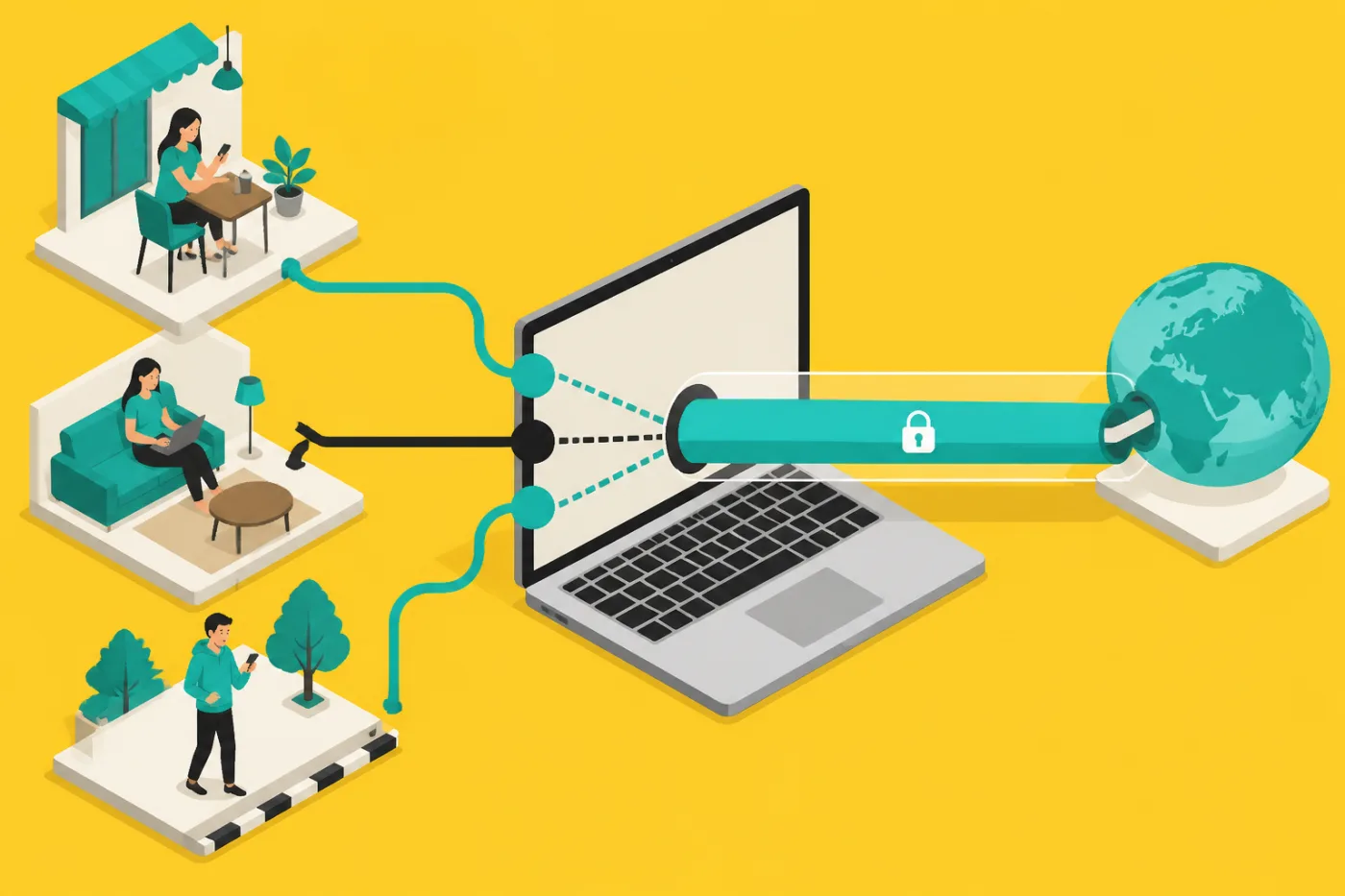
Which address changes
A VPN replaces the public address that websites see, the one your internet provider hands out. It does not touch the MAC address of your laptop. That identifier belongs to the network card and is only used inside the local network, between your machine and the router. A website on the other side of the internet never receives it.
So the two searches people often combine, changing the IP address of a laptop and finding its MAC address, have different answers. The first is something a tunnel does for you. The second is a setting in the operating system, and a tunnel is not involved.
The three addresses in plain terms
- Public IP: the address of your connection as websites see it. A tunnel changes this one.
- Local IP: the number your router gives the laptop, something like a house number inside the building. It stays the same after you connect.
- MAC address: a hardware label of the Wi-Fi or Ethernet card. Shown in the network settings of your system and in the router's device list.
- Randomised MAC: some systems offer a different one per Wi-Fi network. That is a separate privacy setting, not part of the plan.
Putting a tunnel on a laptop
Message the Telegram bot and ask for the trial. A personal VLESS subscription link comes back in about a minute, before any payment.
Install a free client for your system. Hiddify or Happ is the usual pair for Windows, Mac and Linux.
Add the subscription link in the client and choose a server: Helsinki, Warsaw, Tokyo, Istanbul or Paris.
Switch it on. The public address you see on a lookup page should now be the server's.
The sums for a laptop owner
Since the plan has no device limit, the laptop, the phone and a tablet can use the same link. For a person who works from cafes and a hostel, the four lengths are worth comparing: the monthly price falls as the period grows; open the home page or the bot for the figures. Checkout takes crypto alone, no cards and no UPI, and nothing renews automatically. If you travel for one month, the shortest plan is the sensible one; if the laptop is your daily machine, the longer ones cost less per month.
No server is in India, so the address you receive will never be an Indian one.
What it does for public Wi-Fi, and what it does not
On a cafe network the tunnel hides the content of your traffic from whoever runs that network and from other people on it. It does not remove malware, does not make a weak password strong, and does not hide who you are from the sites where you log in. We keep no logs on the service side, but that is a statement from us and not something you can inspect.
Whether and how tunnels may be used differs by country, and the rules shift; the laws that apply to you and your network's policy are yours to read.
How this advice was put together
A seller giving security tips has a reason to say a tunnel solves more than it does, so the list above sticks to facts about addresses that you can check in your own settings. If you wonder who produced this text: a model wrote the first version, and a person read it and edited it.
Questions
Can a VPN hide my laptop's MAC address?
No, the MAC address stays within your local network and is never sent to websites. Changing it is an operating system setting.
Where do I find the MAC address on my laptop?
It is listed in the network adapter details of your system, under the Wi-Fi or Ethernet entry. The exact path differs between Windows, Mac and Linux.
Will my local IP change after I connect?
No, the router's number for your laptop stays. Only the public address that websites see changes.
Do I need to reinstall anything to switch networks?
No. Once the client holds the link, it works on any network you join.
Is it allowed to install a client on a company laptop?
Check your employer's policy first. Many work machines are managed, and installing a client may be against the rules.
How do I check the public address changed?
Open any page that shows your address before you connect and again after. The two should differ.
No card, no account. USDT is paid only if you continue.
Request your link from the bot